A practical office guide
Move from Shared Folders to Document Management
A shared drive may hold years of useful work alongside duplicate copies and folders nobody owns. Start with one active collection. Decide where the records belong and who needs access before importing the rest.
For office administrators and the people responsible for shared drives.
A tested collection with agreed destinations, access, and an owner for the move.
Start with one process
Set it up. Check it together.
- 01
Inventory one useful collection
Choose a folder the team uses regularly and identify its owner. Note file types, approximate volume, sensitive records, and obsolete or duplicate copies. Keep the source intact while you test. Avoid making a company-wide move your first trial task.
- 02
Map structure and access
Agree which Spaces or Library folders should hold the files, how they should be named, and which staff need access. Choose whether files need extracted text and metadata: Library folders skip OCR, while direct filing to a Space follows its effective Smart Extract setting.
- 03
Import and check a sample
Use browser uploads for a small trial or discuss the appropriate bulk import tool for a larger collection. Check the destination, file count, original content, and metadata. Sign in as an intended staff user to check access rather than relying only on what an administrator can see.
- 04
Agree a controlled rollout
Record exceptions and resolve them before widening the import. Decide who handles files added or changed in the source during the move. Agree how the team will work after the transition, and retain the source until your organization has accepted the result and approved its next step.
Inside Narra
Give the new structure a purpose.
A migration is a chance to make ownership and everyday access clearer. Test whether a staff member can find a known agreement and whether someone outside the intended group is appropriately restricted.
Build a manager summary for the move →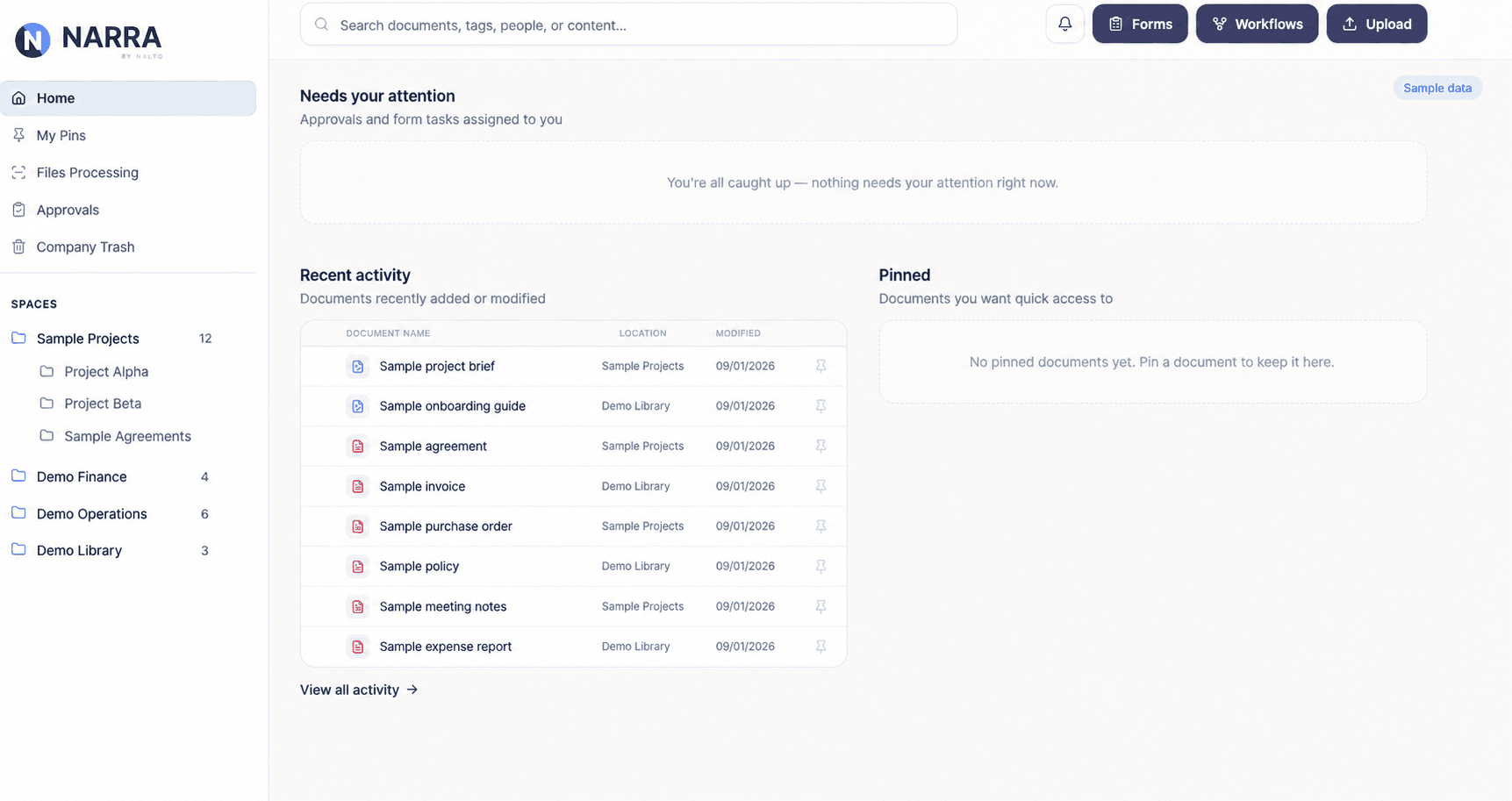
Before you expand
Know the limits.
- Importing files does not establish continuous synchronization with a shared drive or another document service.
- Do not assume source permissions, versions, links, or timestamps transfer unchanged. Agree the mapping and verify the required details in a sample.
- Implementation and document conversion are optional services. Inquire for pricing; scope and payment timing are agreed before work begins.
Before you start
Practical questions.
Do we have to move everything at once?
No. A small pilot lets you check structure, access, and search before expanding. Keep your original files during evaluation.
Can our existing folder tree be kept?
Discuss the appropriate import tool and destination mapping with Nalto. Test representative folders first; do not assume the source structure or access rules are reproduced automatically.
Is migration included in the subscription?
Self-serve setup has no fee. Implementation and document conversion are separately scoped optional services; inquire about your source, document volume, and requirements.
When can we retire the old drive?
Only after your organization has accepted the transfer and decided how to handle source records, ongoing changes, and recovery. Import completion alone is not approval to delete the source.
Try it with your own process
Bring one task into focus.
Start a 7-day trial from $95 per seat per month. Self-serve setup is $0.
Card required before workspace access. Cancel before the trial ends to avoid the first subscription charge.
Compare plans and included features →Another task on your list?